Free browser practice
Try the lock
Practice anywhere
Get Locker on your phone
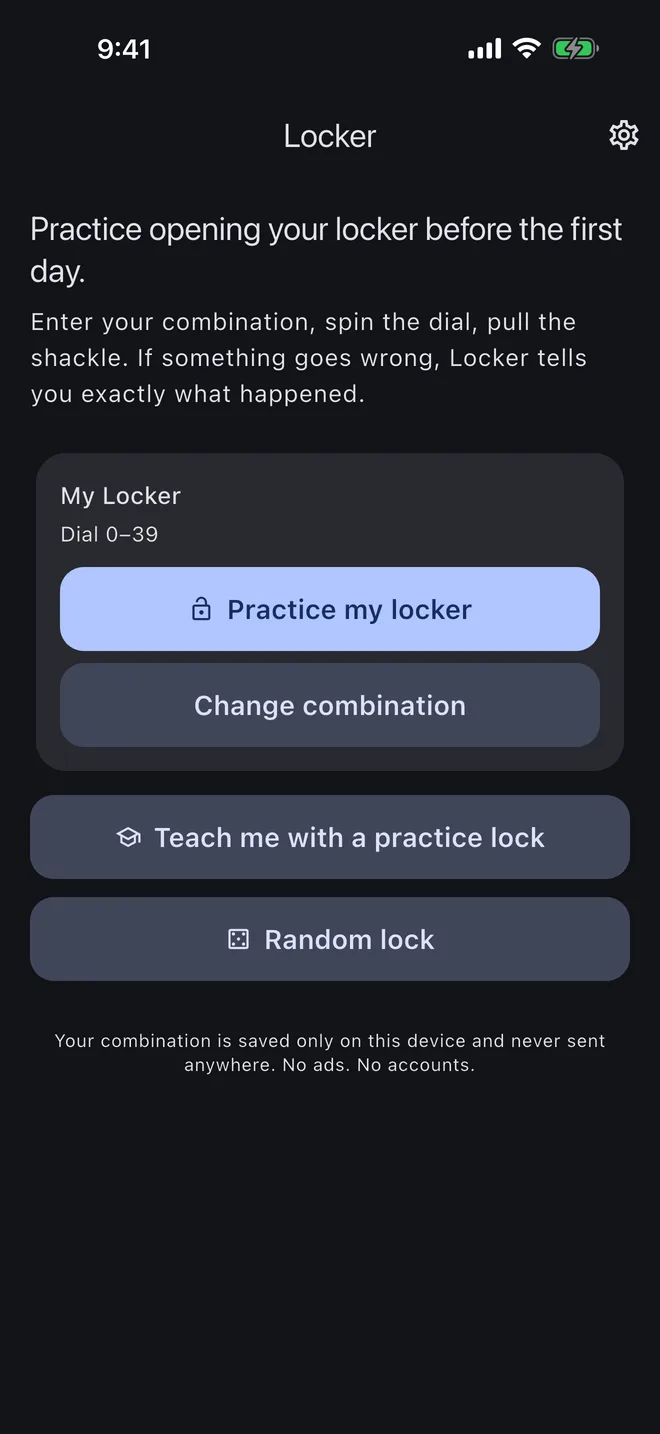
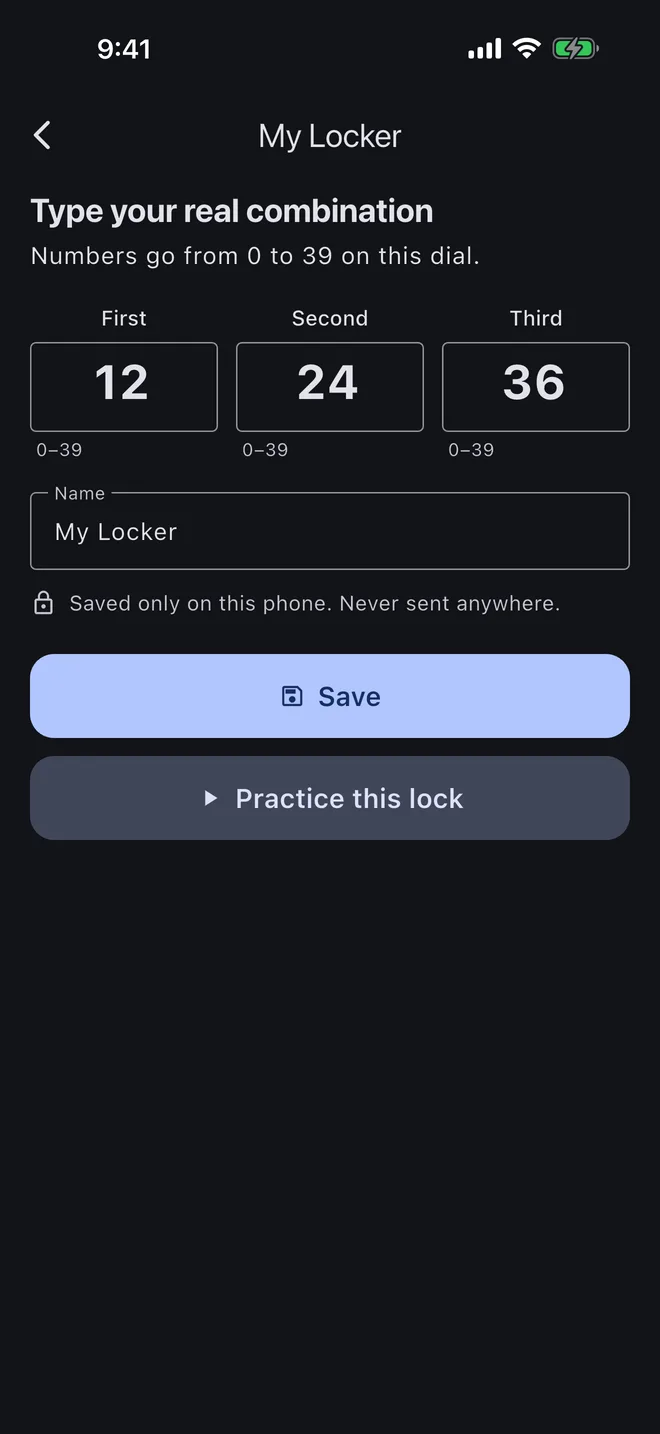
Save your real combination on your device and practice with clicks and haptics.
The mobile app
Learn each turn, then practice on your own
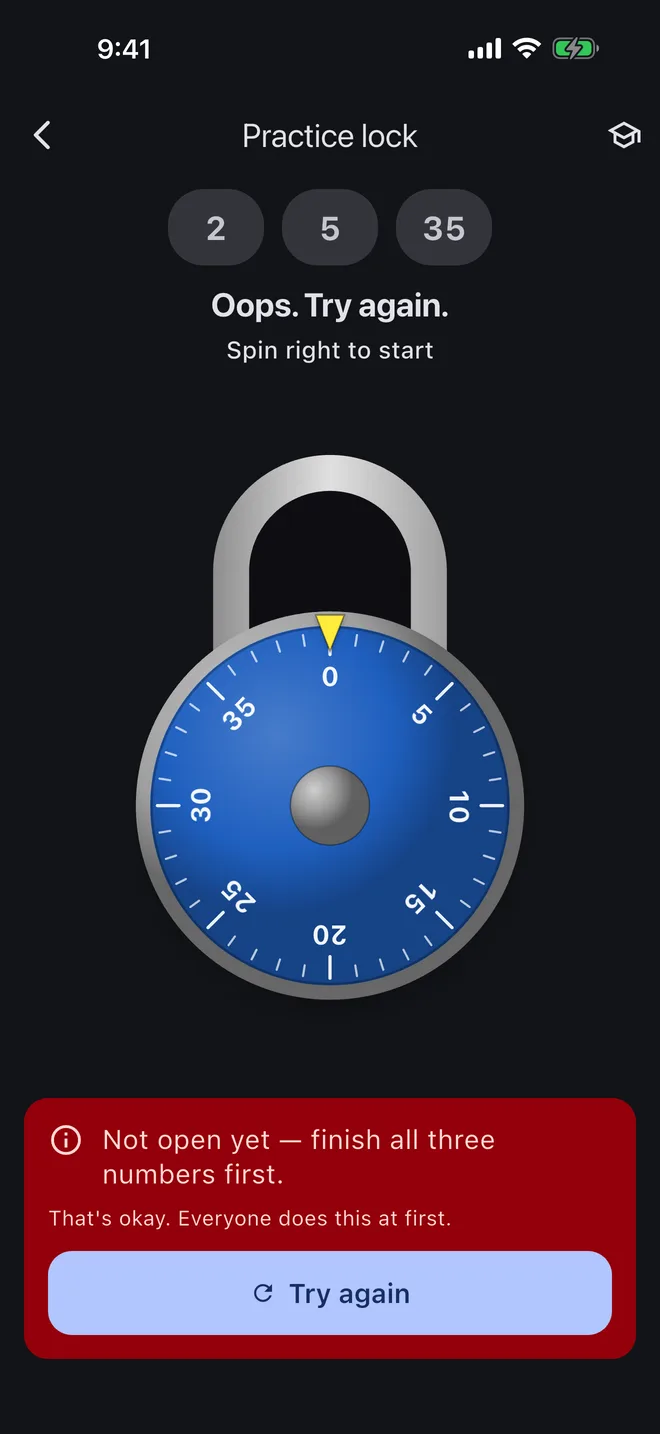
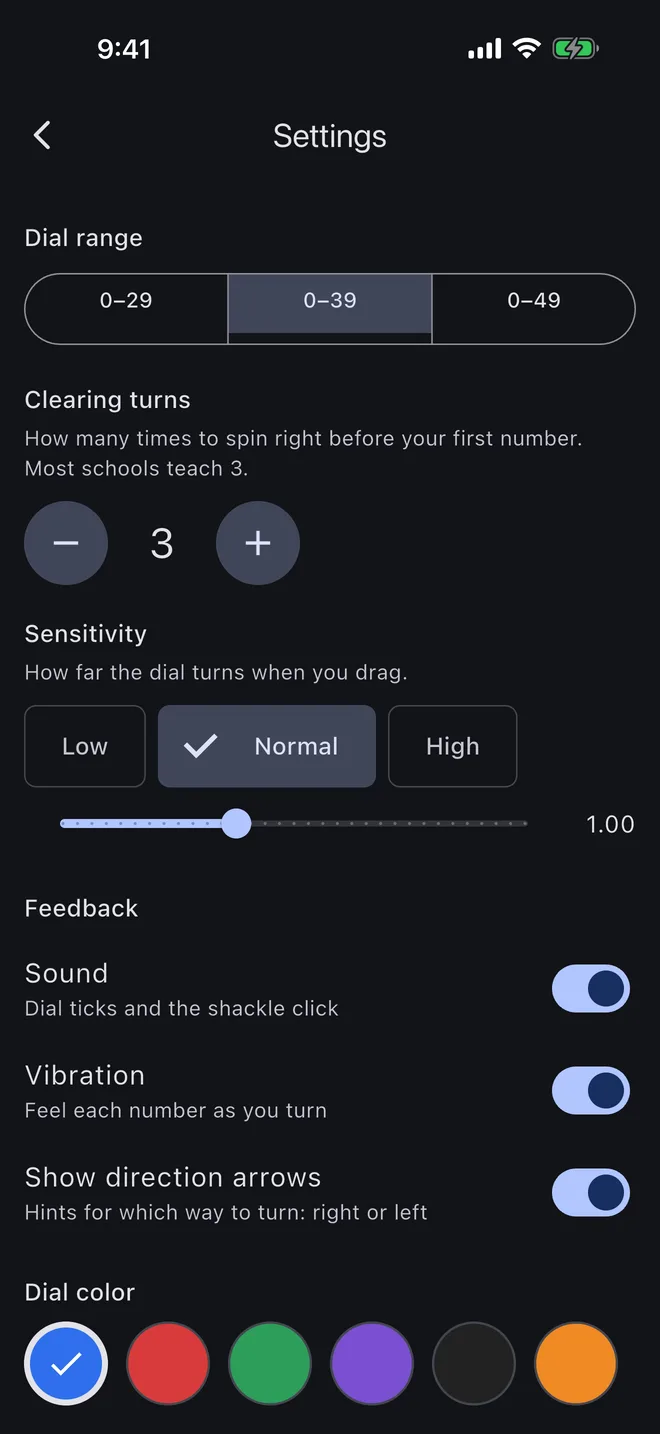
Learn before the first day
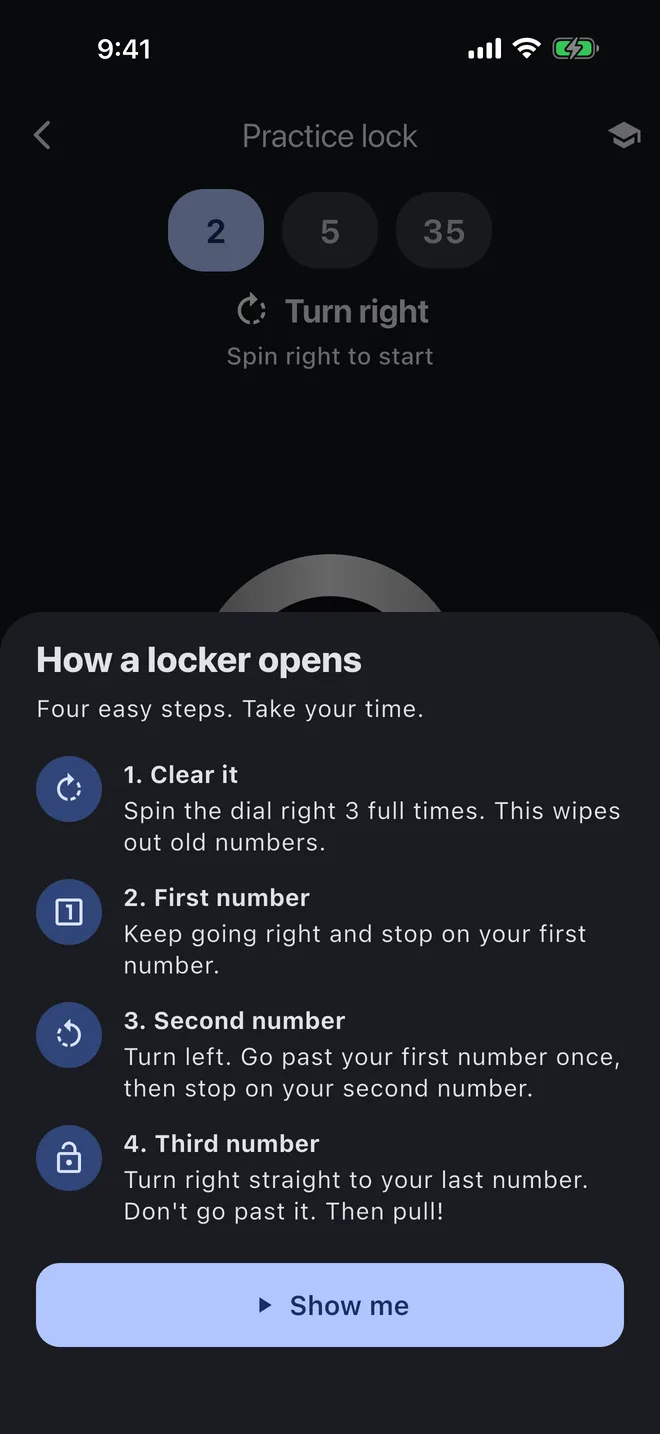
New school locker? Practice opening it before you have to do it in a crowded hallway. Locker uses the same right-left-right sequence as a physical combination lock.
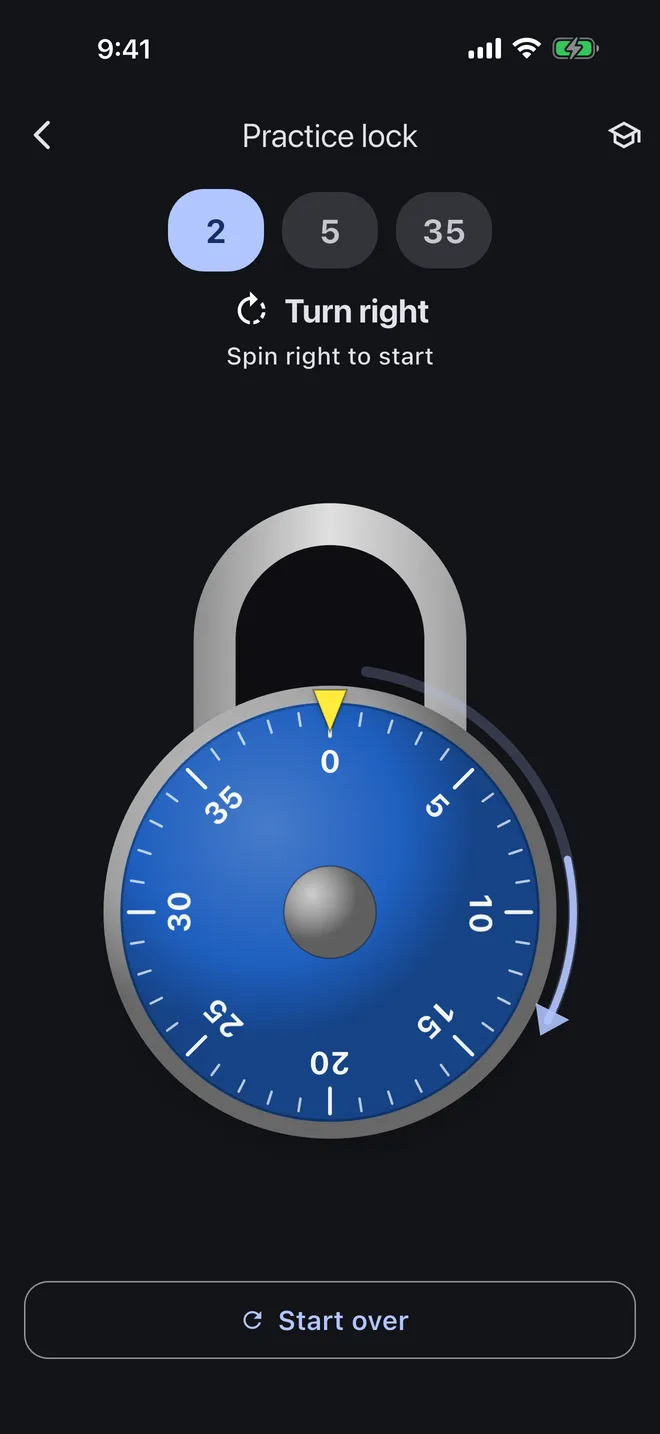
Spin the dial, stop on each number and pull the shackle. If you make a mistake, Locker gives a clear explanation — such as “You went past your second number” — instead of silently resetting.
Combination lock practice that teaches
- Dials numbered 0–29, 0–39 and 0–49
- A Teach Me walkthrough with right and left arrows
- A plain-words explanation for every mistake
- A realistic dial for touchscreens, trackpads and mice
- No account, ads or tracking
For school, gym and work lockers
Use the free browser version for practice locks. The mobile app will let you save your own school, gym, workplace or college dorm combination on your phone only.
Privacy, briefly
No accounts. No ads. No tracking. Your combination never leaves your device. Read the full privacy policy.
Made by Cannappy LLC. Questions? Get support.